Computer-controlled accuracy and enhanced ease-of-use through:
Advanced targeting modes.
Automated targeting modes.
Built-in quality control.
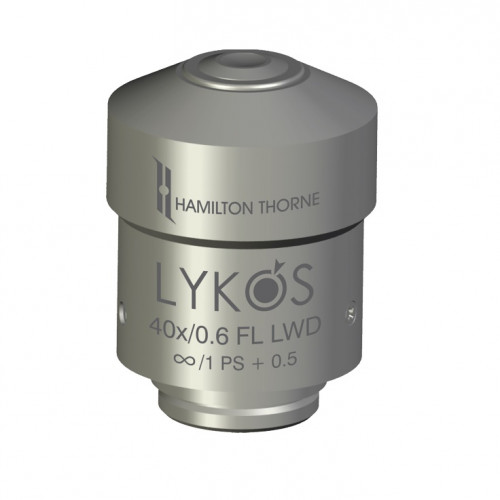
Objective
RED-i built into the LYKOS objective, offers portability, easy installation, and out-of-the-box compatibility with all current models of inverted microscopes.
The DTS feature may be enabled in both Clinical* and Validation** Modes, or Validation Mode only. When DTS is enabled, you may choose one of several options to create the laser path:
Single Shot: Click any single point on the screen and a single laser pulse will be applied to that exact point.
Line / Curve: Draw a straight line of any length and then select and drag to create a curve.
Freehand: Any freeform path may be drawn by clicking and dragging the mouse pointer.
Multipoint: Click up to 10 non-connected locations to apply laser. Each point may have a different laser setting.
Rectangle: Click and drag to draw a rectangle of any proportion